Skip to content

Web Server Information

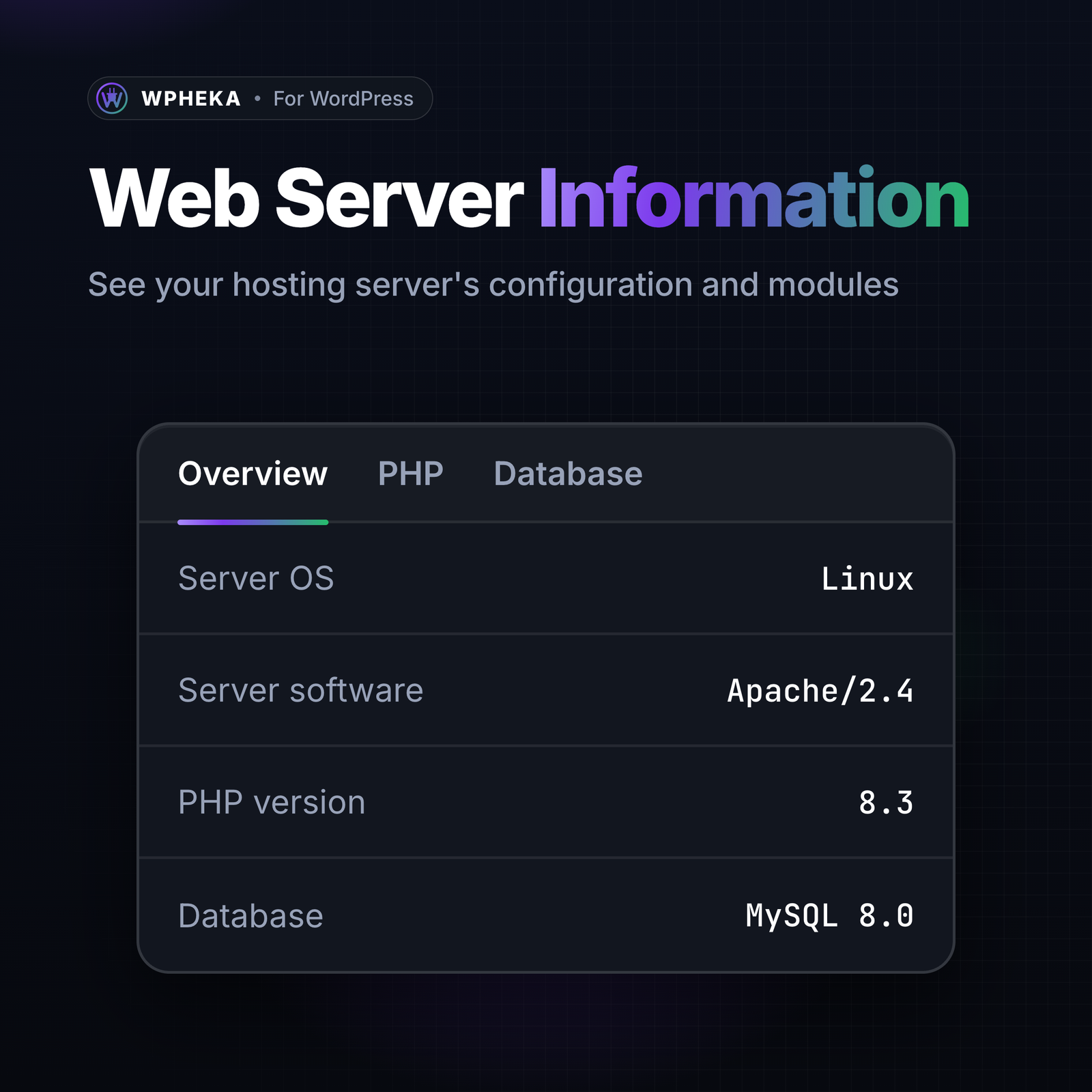
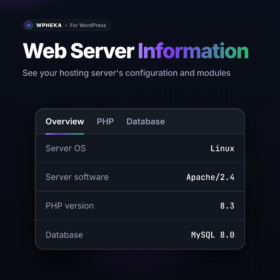
See your server’s OS, software, IP address, PHP modules and database details in one place. The PHP, MySQL, web server and WordPress versions can also show in the admin footer.
Free on WordPress.org.

Latest Version

1.9.1

Active installs

20+

Extension Requirements:

  • WordPress 5.1+
  • PHP 8.1+
  • PHP Version: 7.4

Languages

  • English (US)

Plugin Details

  • Last updated: October 29, 2026
  • WordPress tested up to: 7.1.4

Description

Description

WPHEKA Web Server Information plugin allows you to check full information about the web server PHP/Mysql configurations including libraries, system type and OS version.

Features List:

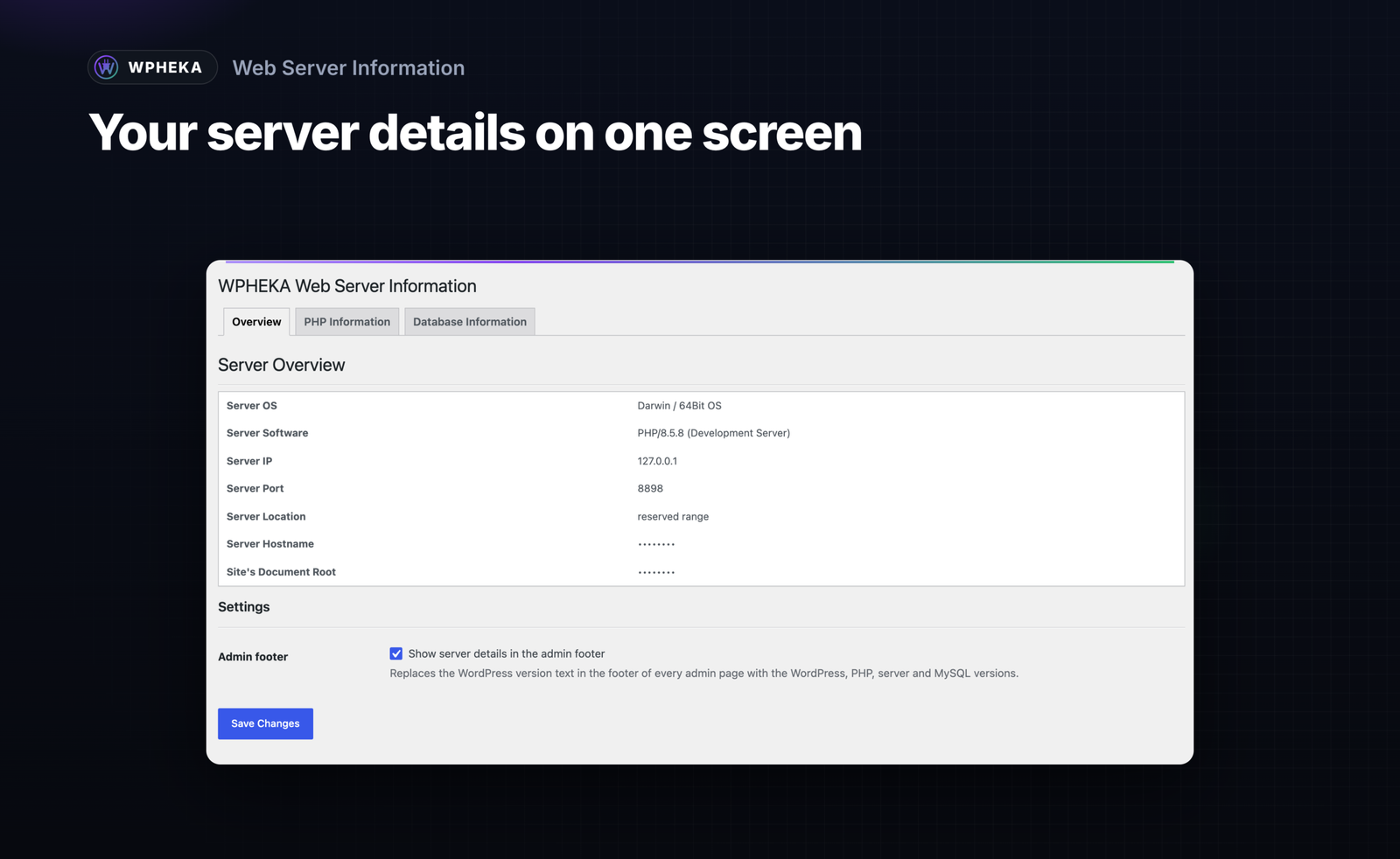
  • Display server OS
  • Display server software
  • Display server IP address
  • Display server port
  • Display server location detected by ip address using IP-API.com .See Terms and Policies.
  • Display server hostname
  • Display server document root
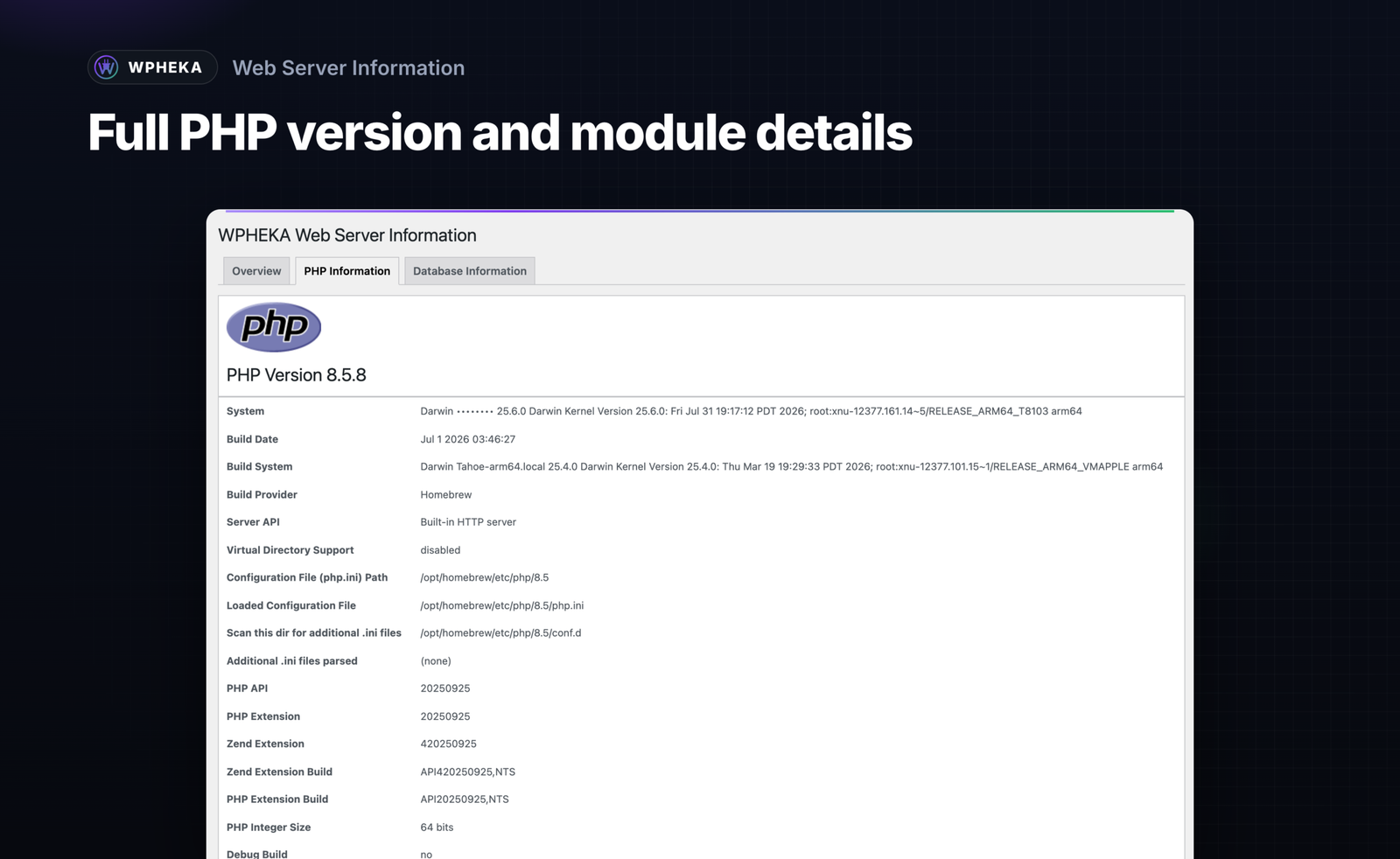
  • Detailed information about the PHP version you are using and installed modules.
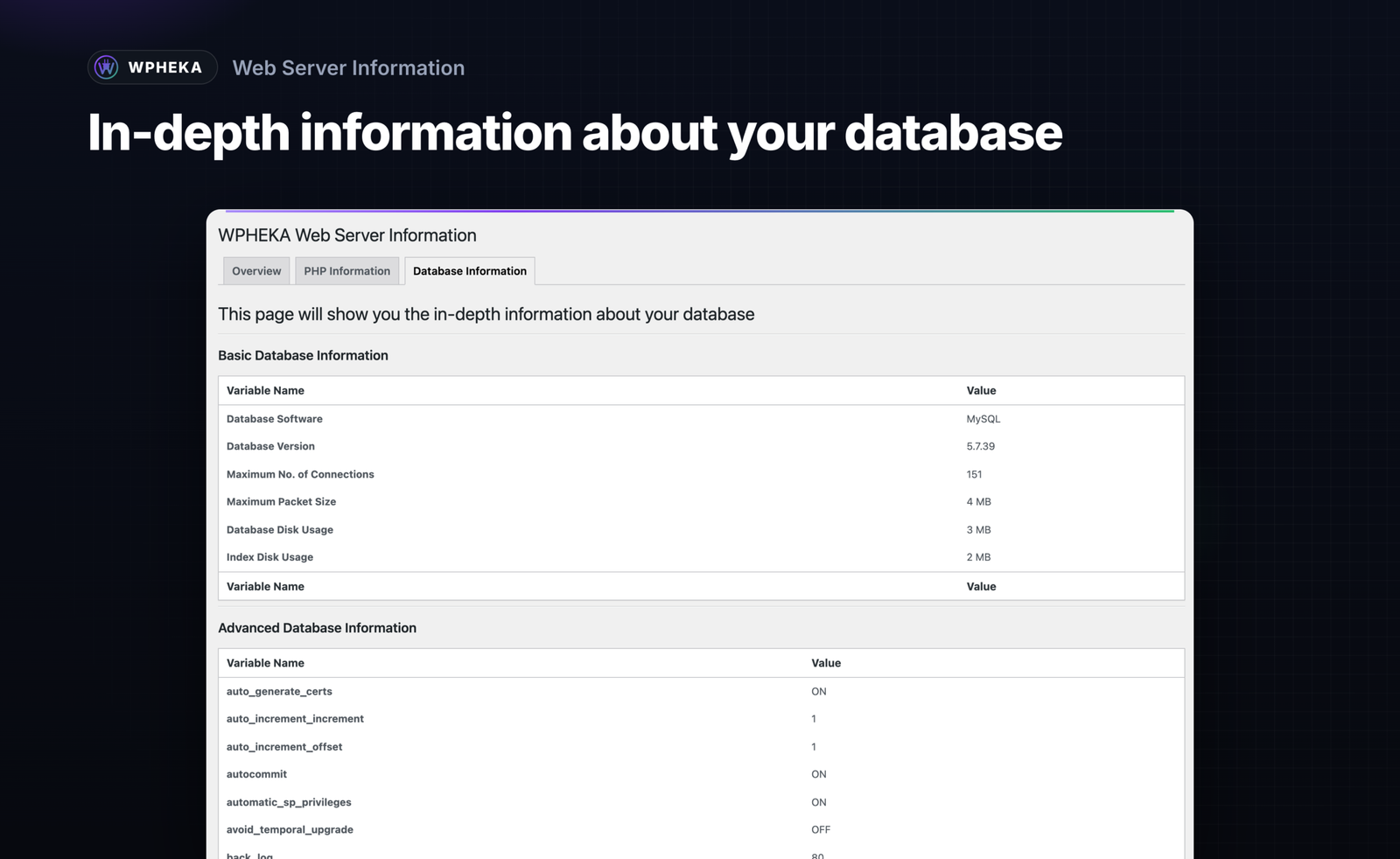
  • Detailed information about your Database.
  • Display PHP, Mysql, Web server, WordPress version info in admin footer.
Changelog

1.9.1 - 2026-10-29

  • Tweak - Notices from WordPress and other plugins no longer show on the Server Info page, where they printed above the header and then jumped into place. They still show on every other screen.
  • Tweak - "Server and database details were read again" now shows with an icon, like the other WPHEKA plugins' messages.
  • Fix - On sites in a right-to-left language the status labels in the PHP and Database lists sat against the edge of the card. They now have the same margin as the rest of the row.

1.9.0 - 2026-10-27

  • Feature - A new page design, matching the other WPHEKA plugins: Overview, PHP, Database and Help tabs. The menu item is now called "Server Info".
  • Feature - The Overview tab shows your PHP version, database, web server and memory limit at a glance. Below are summaries of the PHP limits and database details that matter most.
  • Feature - The PHP and Database tabs have a search box.
  • Feature - A Refresh button on the Database tab reads the server and database details again. Before, the database variables were read once and never updated.
  • Feature - A Help tab with links to the documentation, the support forum and the changelog.
  • Security - The PHP tab no longer shows PHP's Environment and PHP Variables sections or Apache's request headers. They held the request's headers and cookies. Hosts often keep passwords in environment variables too.
  • Security - The server versions in the admin footer now show only to users who can open the information page. Authors, editors and other users with wp-admin access see WordPress' own footer again.
  • Security - The PHP tab no longer prints your cookies, the login cookie included. A screenshot or a copy of the page shared for support is safe to post.
  • Security - On a network where the plugin is network-activated, only a network admin can change the network-wide footer setting.
  • Fix - The information page and its setting now use the same capability. A site that changed who can open the page through the `wpheka_plugin_panel_menu_page_capability` filter let those users read the page but not save.
  • Fix - Shows "Not available" instead of "ERROR IP096T" when the server's IP address or location can't be read.
  • Fix - Shows "64-bit PHP" instead of "64Bit OS". The value describes the PHP build, not the operating system.
  • Fix - A failed database query no longer causes a PHP warning on the Database tab.
  • Fix - The admin footer reads the cached database version instead of querying the database on every admin page.
  • Developer - Removed the `wpheka_web_server_info_tabs_array` filter and the `info_page_{tab}_tab_init` actions. A tab added through the filter caused a fatal error. No plugin used them.
  • Enhancement - WordPress 7.1.3 compatibility.

1.8.3 - 2026-10-05

  • Fix - Closing the review request with its X now hides it for 14 days for that user. It used to come back on the next Dashboard load.
  • Enhancement - WordPress 7.1.2 compatibility.

1.8.2 - 2026-10-01

  • Security - The server location lookup no longer unserializes the reply from ip-api.com, which arrives over plain HTTP and could be altered in transit. It now reads the JSON endpoint instead.

1.8.1 - 2026-08-23

  • Fix - The "Plugin URI" header pointed at a page that no longer exists, so "Visit plugin site" and the plugin directory listing both led to a 404. It now points at the Web Server Information product page.

1.8 - 2026-08-22

  • Feature - The server information shown in the admin footer can now be switched off, from a toggle at the bottom of the Overview tab. It stays on by default.
  • Feature - Asks for a review on the Dashboard once the plugin has been used, with a link that pre-selects a five-star rating. Shown only after three visits to its own screen, dismissed per user rather than for the whole site, and never shown again once dismissed.
  • Security - Escaped all admin output and guarded direct reads of server variables.
  • Fix - The menu and the tab labels are translatable. Two strings also used the wrong text domain, so they never reached translation tools.
  • Fix - On a network, settings are saved to the same place they are read from. Activating for all sites previously wrote them per site while the plugin read a network-wide value, so the settings appeared empty.
  • Fix - Removed a way the admin menu could fail outright when an incomplete framework build was present on the site.
  • Fix - The Domain Path header pointed at a languages folder that did not exist. The folder and a translation template are now included.
  • Enhancement - The screen now appears under the shared WPHEKA menu.
  • Enhancement - Requires PHP 8.1 and WordPress 5.1. WordPress 7.1 compatibility added.

1.7 - 2026-02-12

  • Fix - Fixed PHP 8.0+ undefined array key warning when accessing invalid tab.
  • Security - Added proper output escaping for tab URLs and labels.
  • Security - Added escaping for SERVER_SOFTWARE variable in admin footer.
  • Enhancement - WordPress version 6.9.1 compatibility added.

1.6 - 2025-05-13

  • Enhancement - WordPress version 6.8.1 compatibility added.

1.5 - 2024-11-30

  • Enhancement - WordPress version 6.7.1 compatibility added.

1.4 - 2023-08-24

  • Enhancement - WordPress version 6.3 compatibility added.

1.3 - 2022-05-25

  • Enhancement - WordPress version 6.0 compatibility added.

1.2 - 2022-05-24

  • Fix - PHP 8.0 Warning: __wakeup() must have public visibility.

1.1 - 2021-08-13

  • Enhancement - WordPress version 5.8 compatibility added.

1.0 - 2020-07-29

  • Initial release
Web Server Information: see your hosting server's configuration and modules, with the server overview.

Web Server Information